Services
Vpress Flow: the free Enfocus Switch app for Coreprint orders
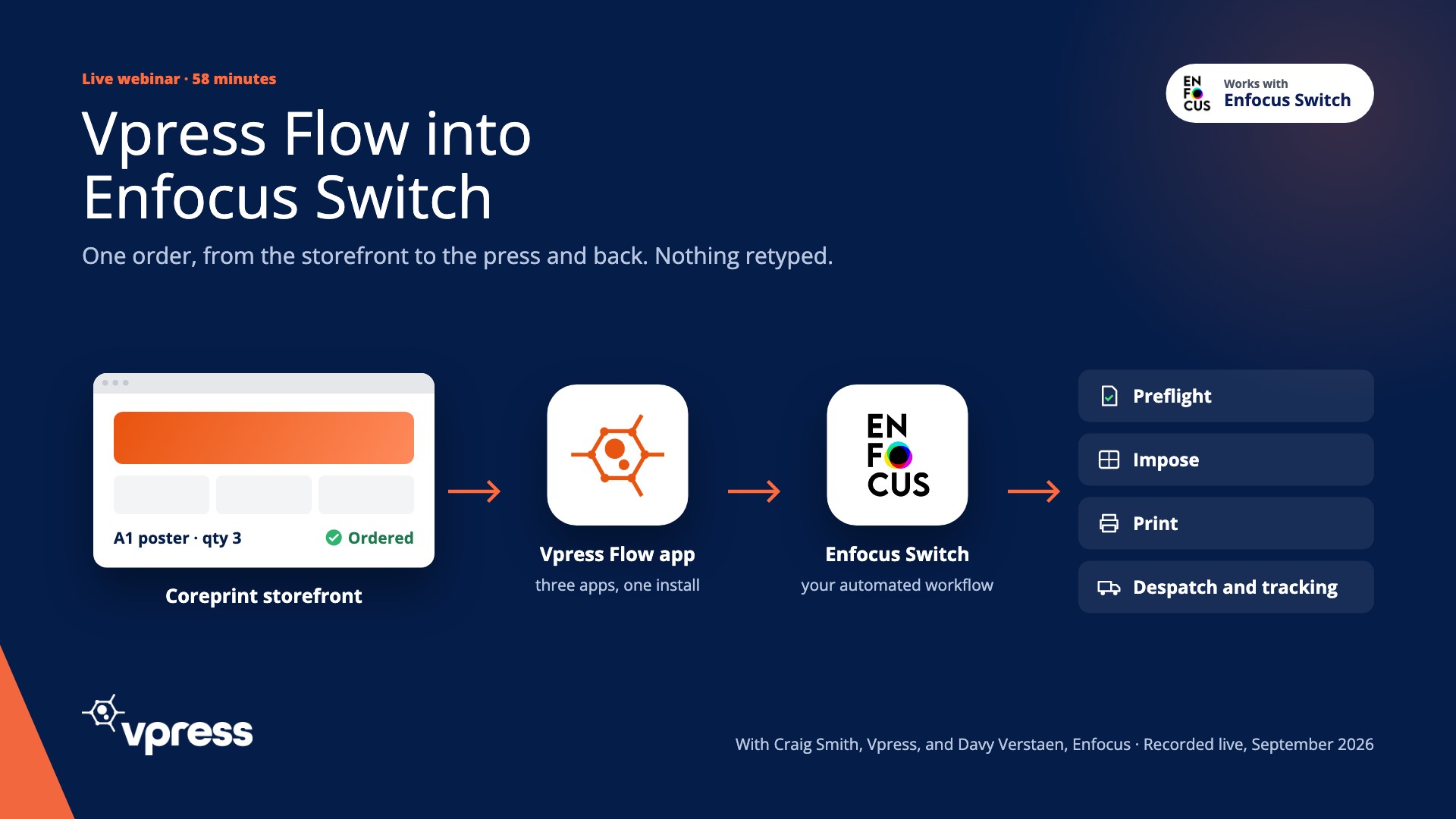
One order, from the storefront to the press and back. Nothing retyped.
Every order reaches Switch the moment it's confirmed, with print-ready artwork and the full job details. Status and tracking go back to the buyer's homepage. Three apps, one free install from the Enfocus Appstore.
Free. Switch 25.11 or later, Windows or Mac, and a Coreprint account.

three apps, one install

your automated workflow
- Preflight
- Impose
- Despatch and tracking
Three apps in one bundle
One download from the Appstore puts three apps in your Switch. Each takes your Coreprint host, username and API key. The fetcher can filter by product or by customer.
Order Data & Artwork Fetcher
The endpoint Coreprint pings when an order is confirmed. It fetches the order and line data straight away. No polling.
- Order and line data, as XML on the job
- Product, quantity, size, stock and options, as sold
- More fields as Coreprint grows
Vpress Flow SFTP Connector
Collects the artwork from a secure SFTP site at the same time, so the file arrives with its data.
- Straight away, like the order
- Artwork joined to the job's metadata
Status Updater
Tells Coreprint where the job is, at the points in your flow you choose, and passes the tracking link back to the buyer.
- Processing, complete, or any point you choose
- A tracking link on the buyer's homepage
The flow as it looks in Switch: the three apps, with the folders between them, and your own preflight, imposition and output steps wherever you want them.The job comes with its details, not just a file
The order XML travels with the job as metadata, so your flow can route, preflight and impose on what was actually sold. From the webinar order, the fields that came through:
- Order ID
- Order number
- Customer
- Order line
- Product code
- Product name
- Quantity
- Price
- Orientation
- Size
- Stock
- Artwork file name
- Manufacturing options
- Cost centre
- Route by product or customer to the right preflight profile and press
- Impose and nest from the real size and quantity
- Pick the stock and the cut path from the manufacturing options
- Pass the whole order to your MIS, untouched
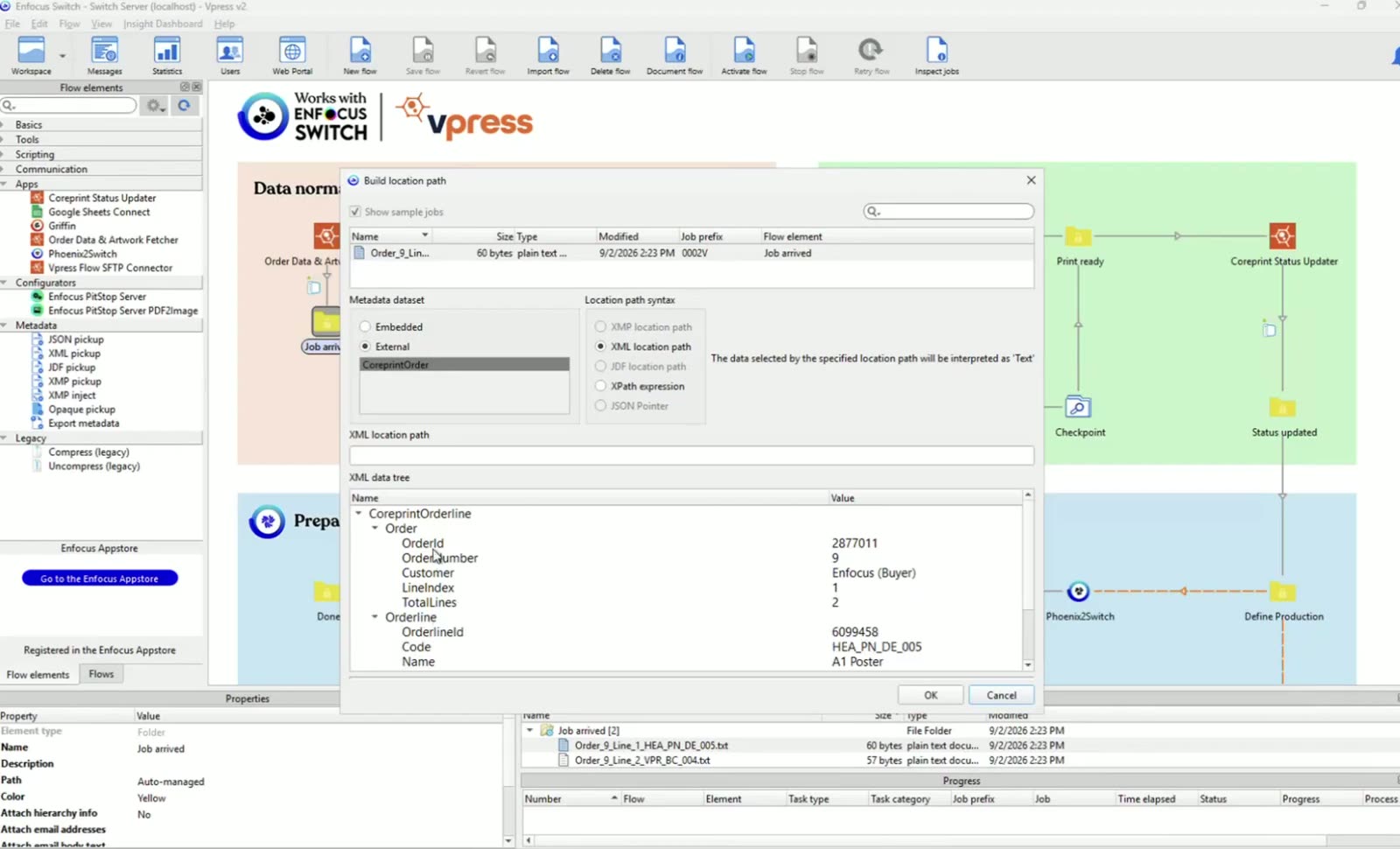
As Coreprint grows, the data the app fetches grows with it.
Not every "Switch integration" is the same
| Compared on | Vpress Flow | A polling connector | Email and retyping |
|---|---|---|---|
| When the order reaches Switch | The moment it's confirmed | On the next poll | When someone gets to it |
| What arrives | Artwork, order data, manufacturing and customer options | A file and a reference | An email |
| Status and tracking back | Both, at the points you choose | Rarely | By phone |
| Cost | Free | Varies | Everyone's time |
One order, four moments
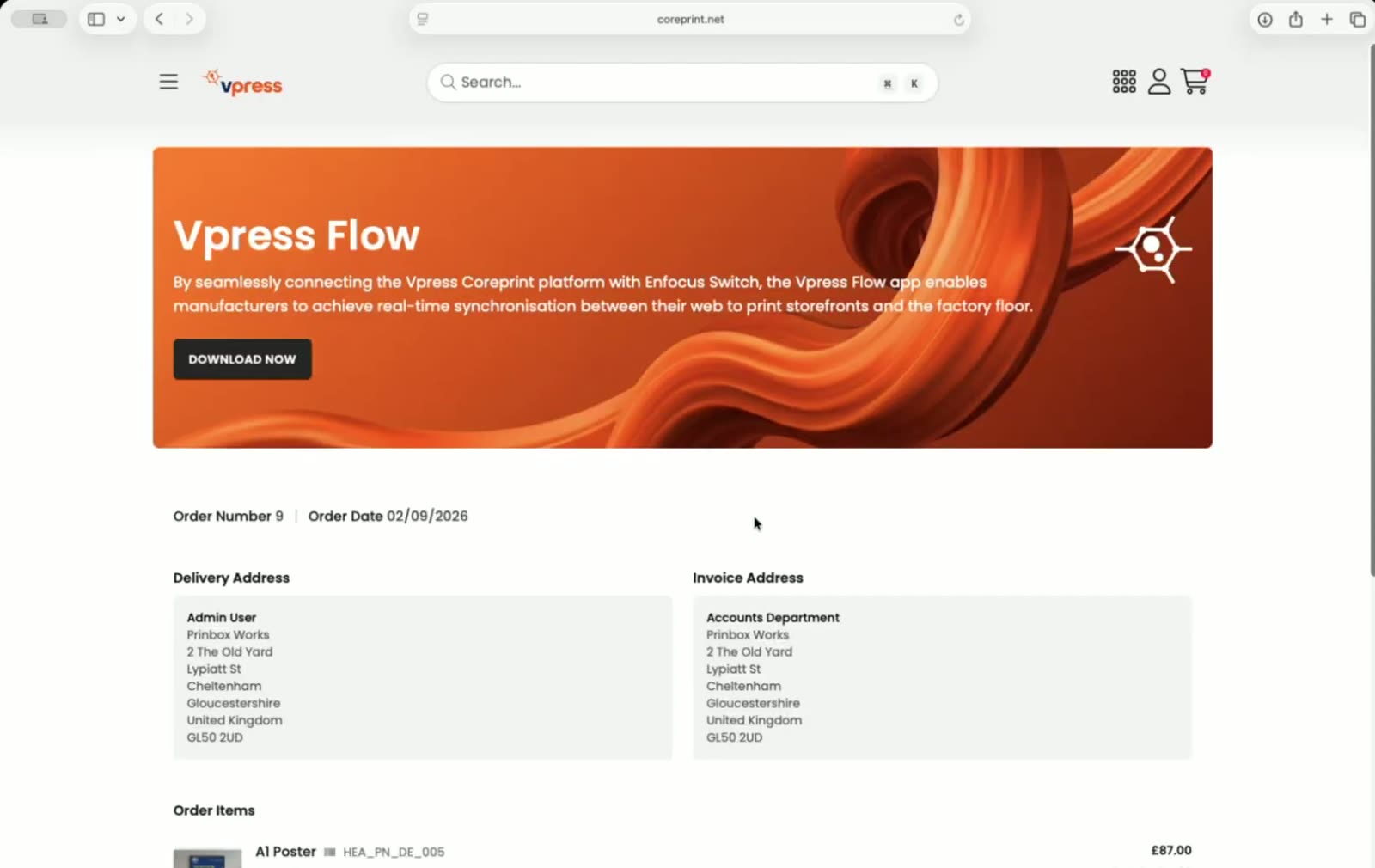
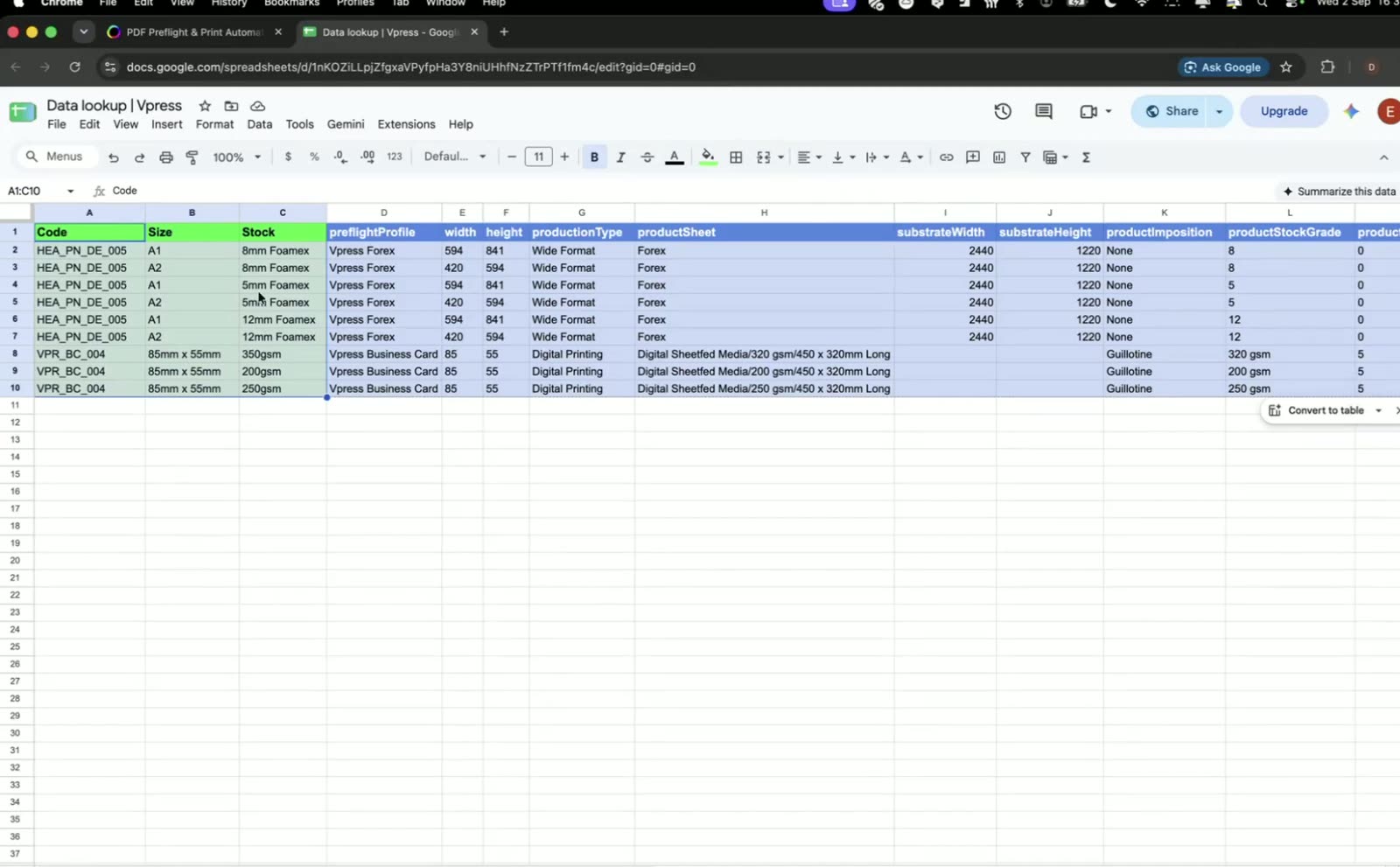
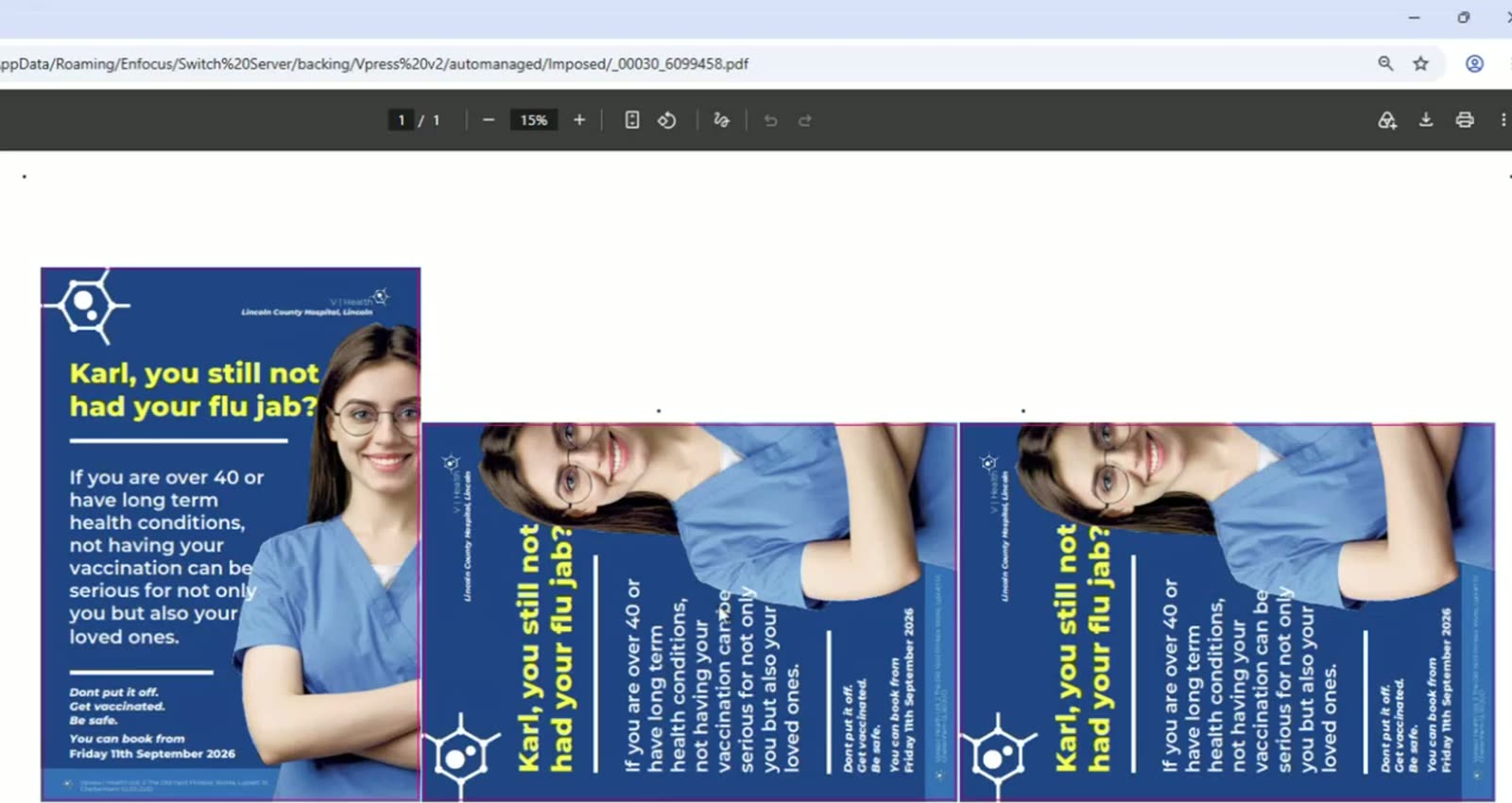
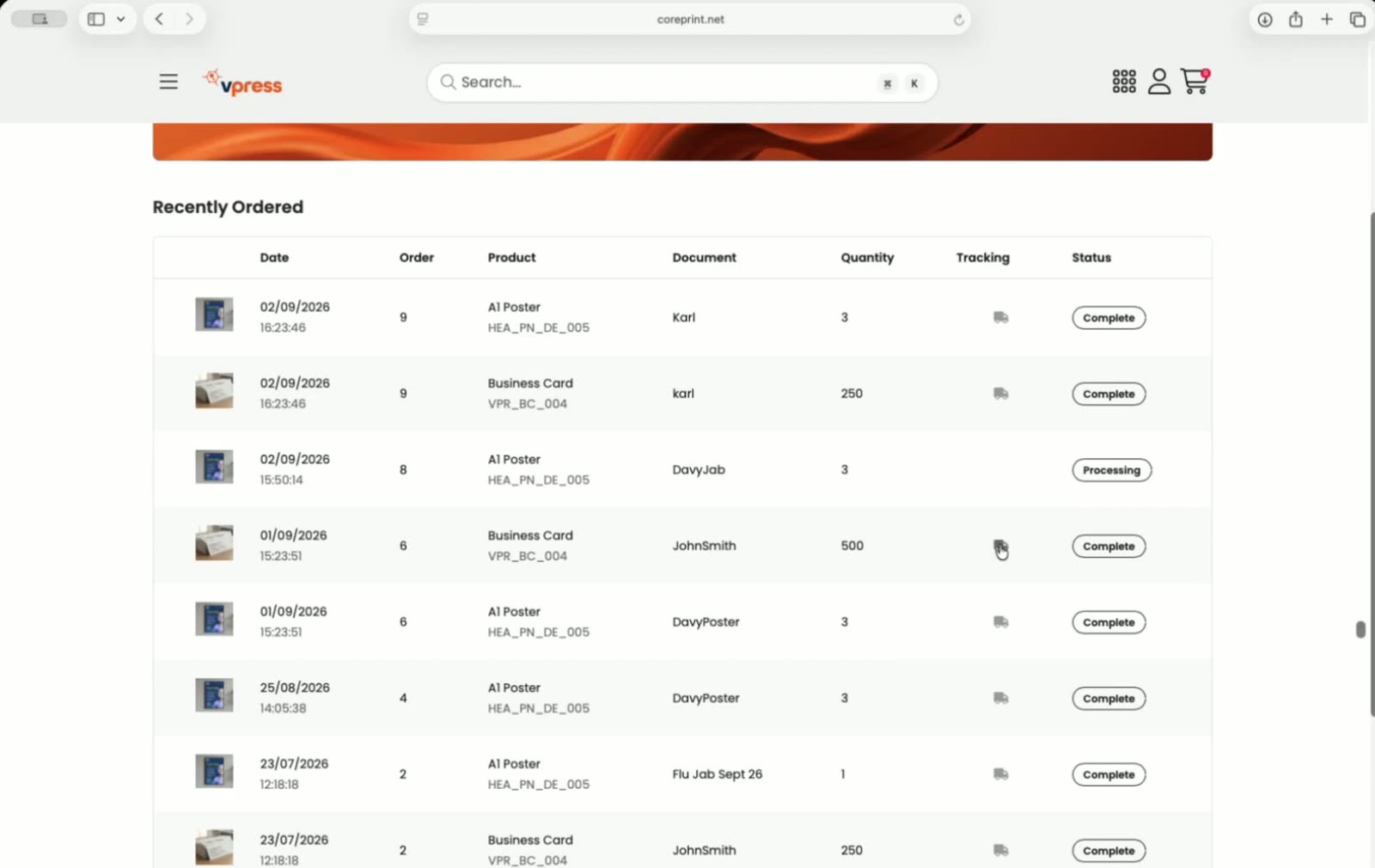
Karl's A1 poster, as it went through the live webinar. These are the real screens.
The launch webinar, in chapters
Recorded live in September 2026. Craig at Vpress places a real order and Davy at Enfocus takes it through Switch, nothing pre-recorded. Fifty-eight minutes, or jump to the chapter you need. The full transcript is on the webinar page.
 Craig SmithProduct manager, Vpress
 Davy VerstaenAppstore and partner manager, Enfocus
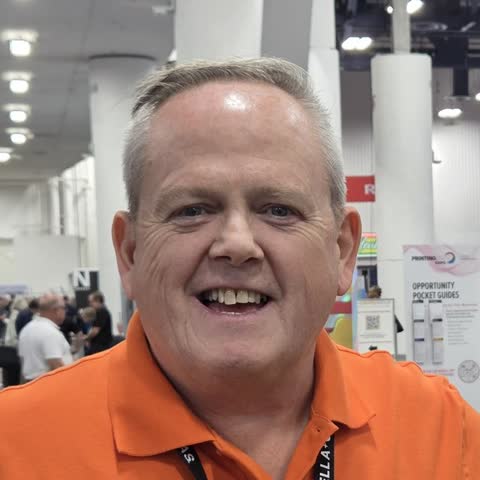 Kelvin BellHost, Vpress
- 3:20Three apps, what each does
- 22:20The order arrives, instantly
- 26:30The data that comes with it
- 27:40Shop names into production specs
- 33:50Fix my Canva and the checkpoint
- 41:00Imposition that adapts to the order
- 43:00Status and the tracking van
- Full transcript on the webinar page
On the Works with Enfocus Switch booth, three days running
Booth N6567, Las Vegas, with Enfocus. One order placed in a Coreprint storefront, followed all the way to production.
Read the show recap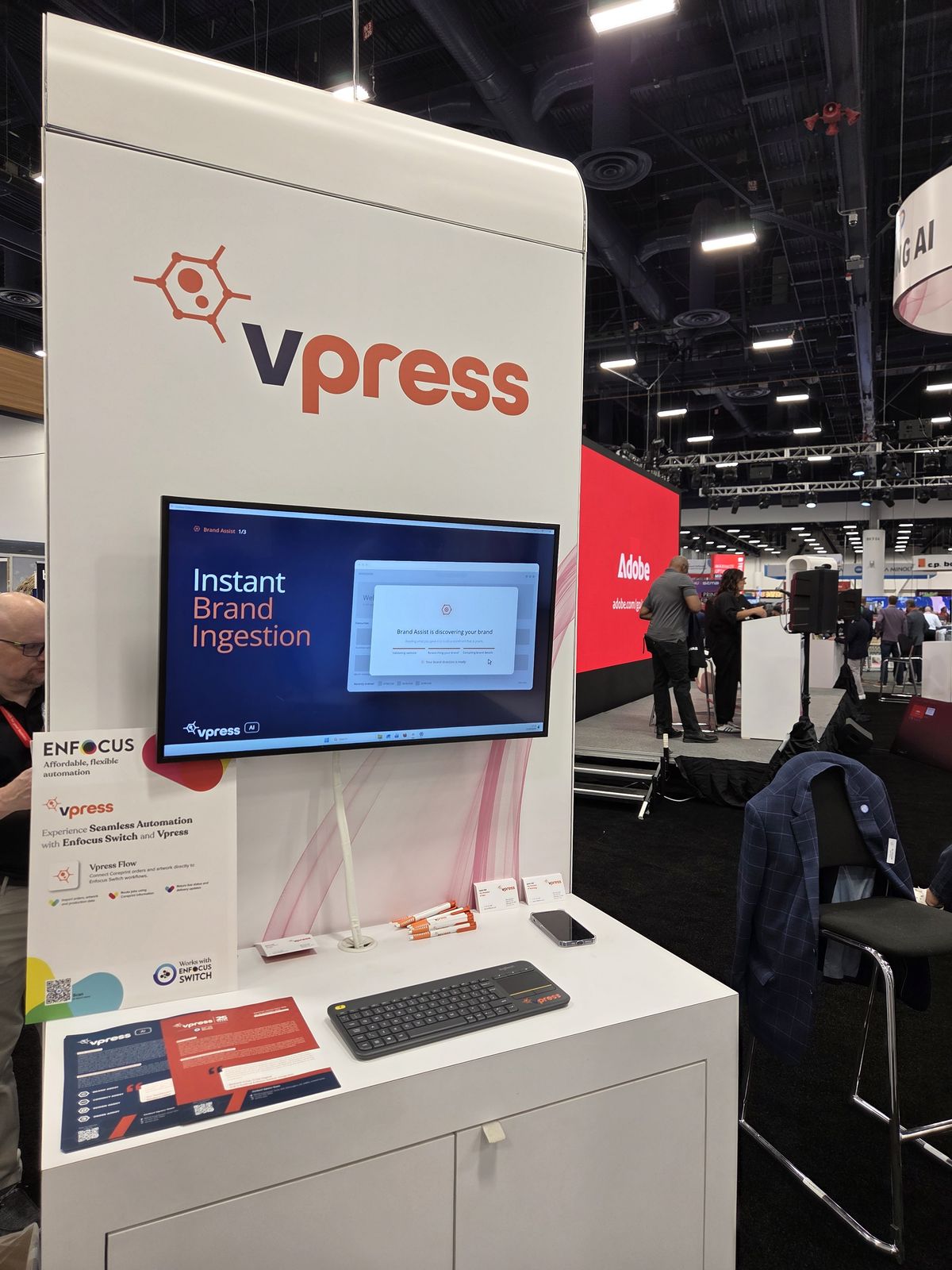
“Vpress is one of our app creators. They've translated all the custom development a customer would need to integrate with Switch into the app. All that work is already done for you.”
Questions printers ask
Is Vpress Flow free?
Yes. It's a free app on the Enfocus Appstore. You need Switch 25.11 or later and a Coreprint account.
Does it poll for orders?
No. Coreprint tells the app the moment an order is confirmed, and the app fetches it.
What if a file is not print-ready?
Preflight fixes what it can. What it can't fix goes to a checkpoint for a person.
Does it work with our MIS?
Switch passes the same order data on to your MIS.
How long does connecting take?
Minutes. In the webinar Craig said his setup took about three and a half minutes, once the Switch licence was in place and he had the credentials from our support team.
Can we move from another web-to-print system?
Yes. Most new customers come from an existing platform, and the product and customer data comes with them.
Bring an order to a demo
We'll follow it from your storefront into Switch and back, on the kind of work you run.
Book a demoEnfocus and Enfocus Switch are trademarks of Enfocus BV. Vpress Flow is made by Vpress.